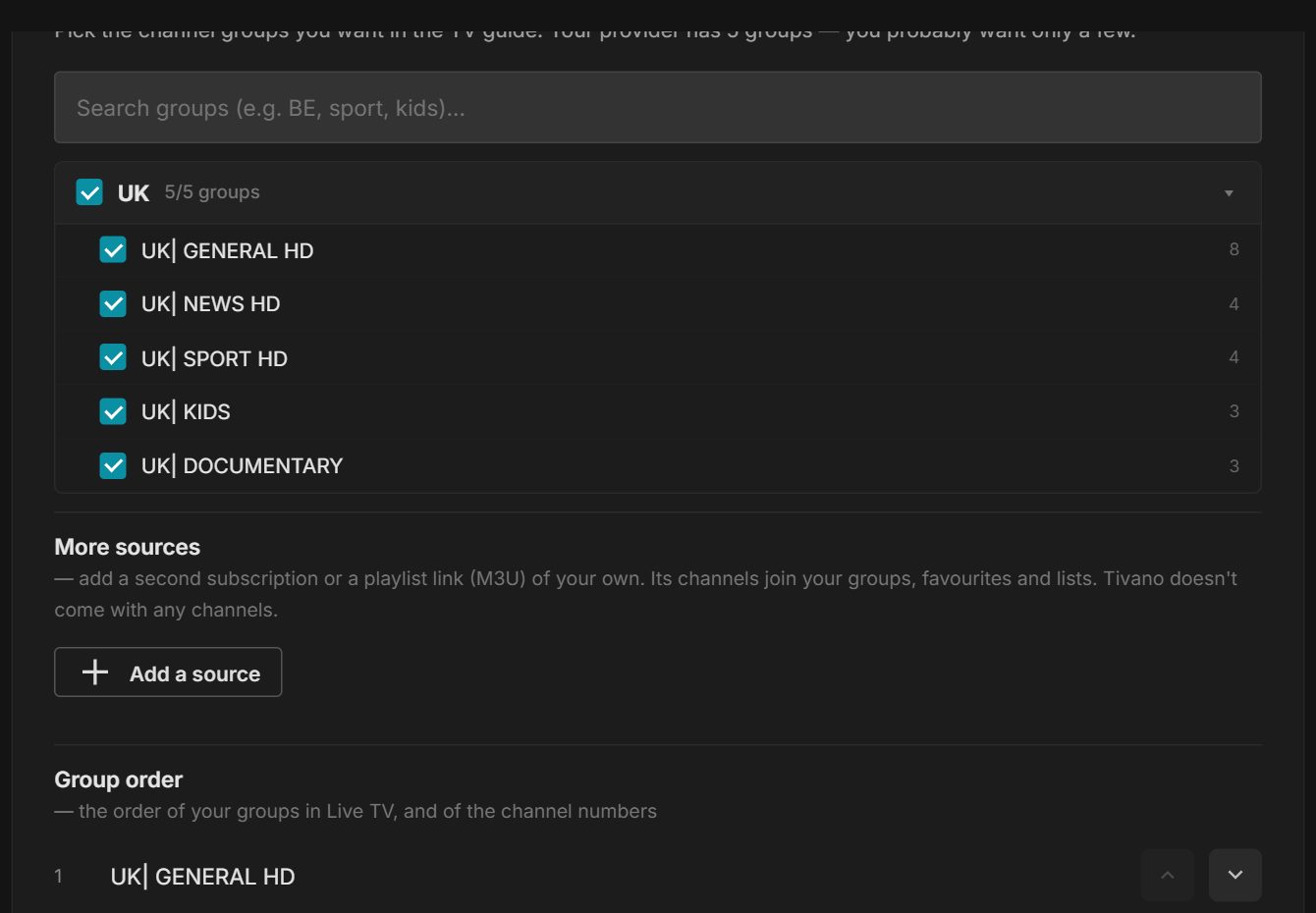
02Your playlists
Two subscriptions, one television.
Add a second subscription or your own M3U playlist. Its channels join the same groups, favourites and lists. Hide the groups you never watch and put the rest in your order.
Free public beta · Windows, smart TVs and phones
Tivano takes the playlist you already pay for and gives it what your provider's app never did: a real TV guide, one tidy library, subtitles that line up, and a remote in your pocket.
Player only. Tivano includes no channels, films or playlists. You bring your own legal IPTV source.
Tivano is the screen, not the source. There is nothing to watch inside it until you sign in with the subscription or playlist you already have.
On your PC, your TV or your phone.
An Xtream Codes login or an M3U link from the provider you chose. It stays on your device.
Tivano sorts the lot into a guide and a library within a minute or two.
We don't sell, bundle, recommend or link to any provider, and we can't see what you watch.
Pick a layout per screen. Tivano remembers it on each device.
Library
Providers hand you folders inside folders. Tivano merges them, combines the duplicates and adds artwork, summaries, genres and ratings, so a film is one title with one play button.
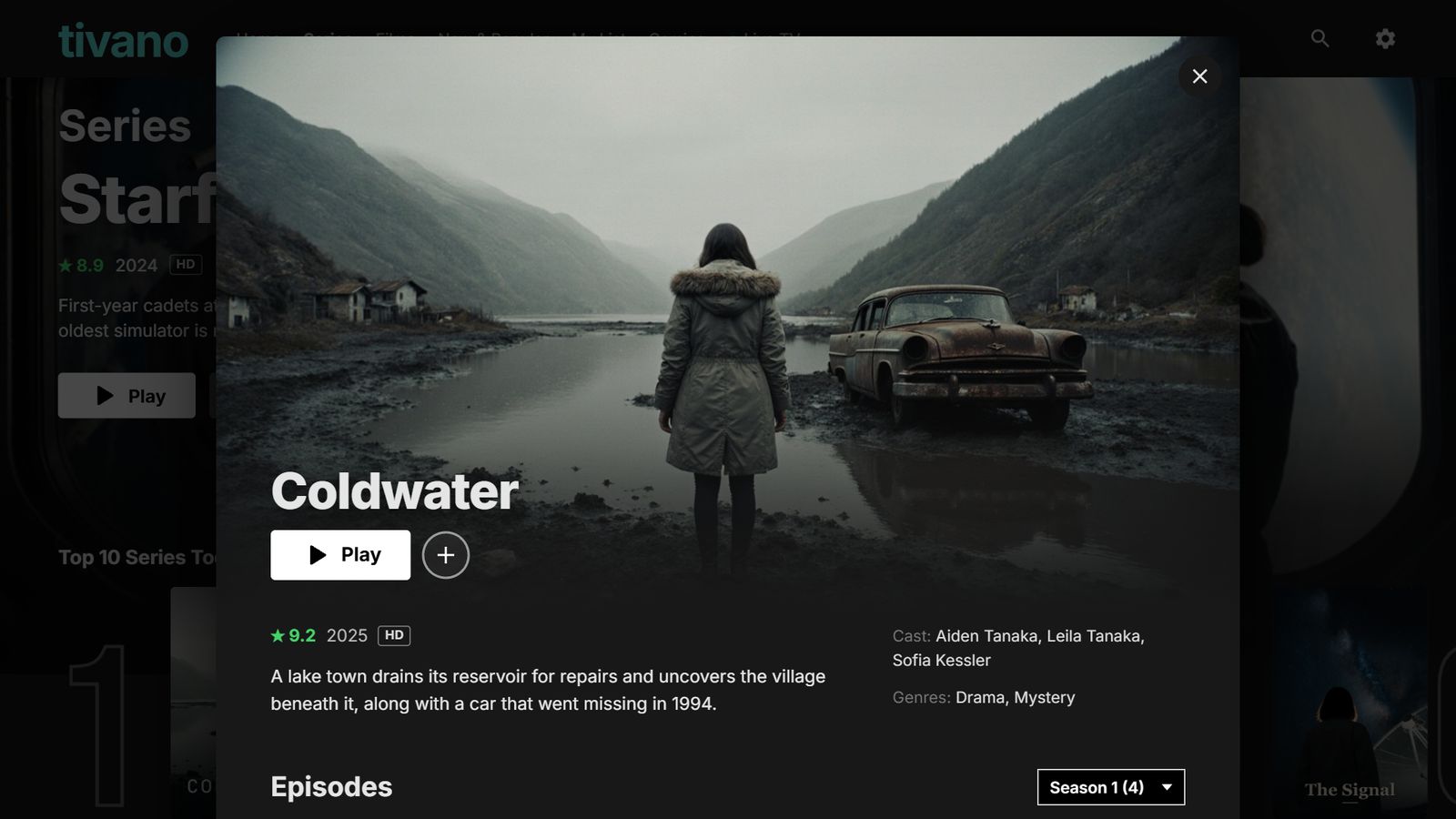
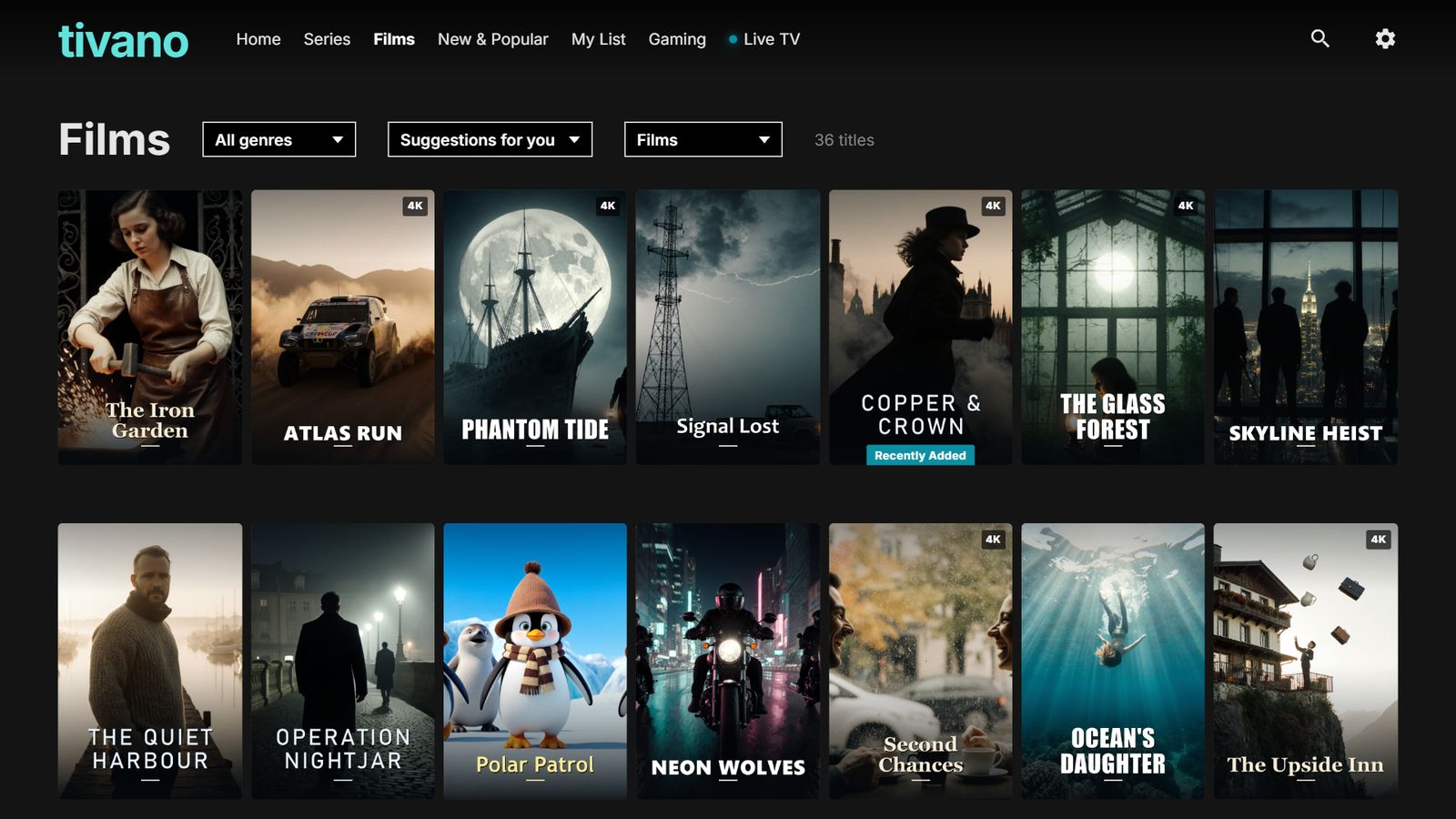
Real screenshots of Tivano, running on a demo source with made-up titles and channels. Tivano ships with no content.
Features
Add a second subscription or your own M3U playlist. Its channels join the same groups, favourites and lists. Hide the groups you never watch and put the rest in your order.
Send a film or a channel to a Chromecast or a smart TV on your Wi-Fi. No cable, no second login on the TV.
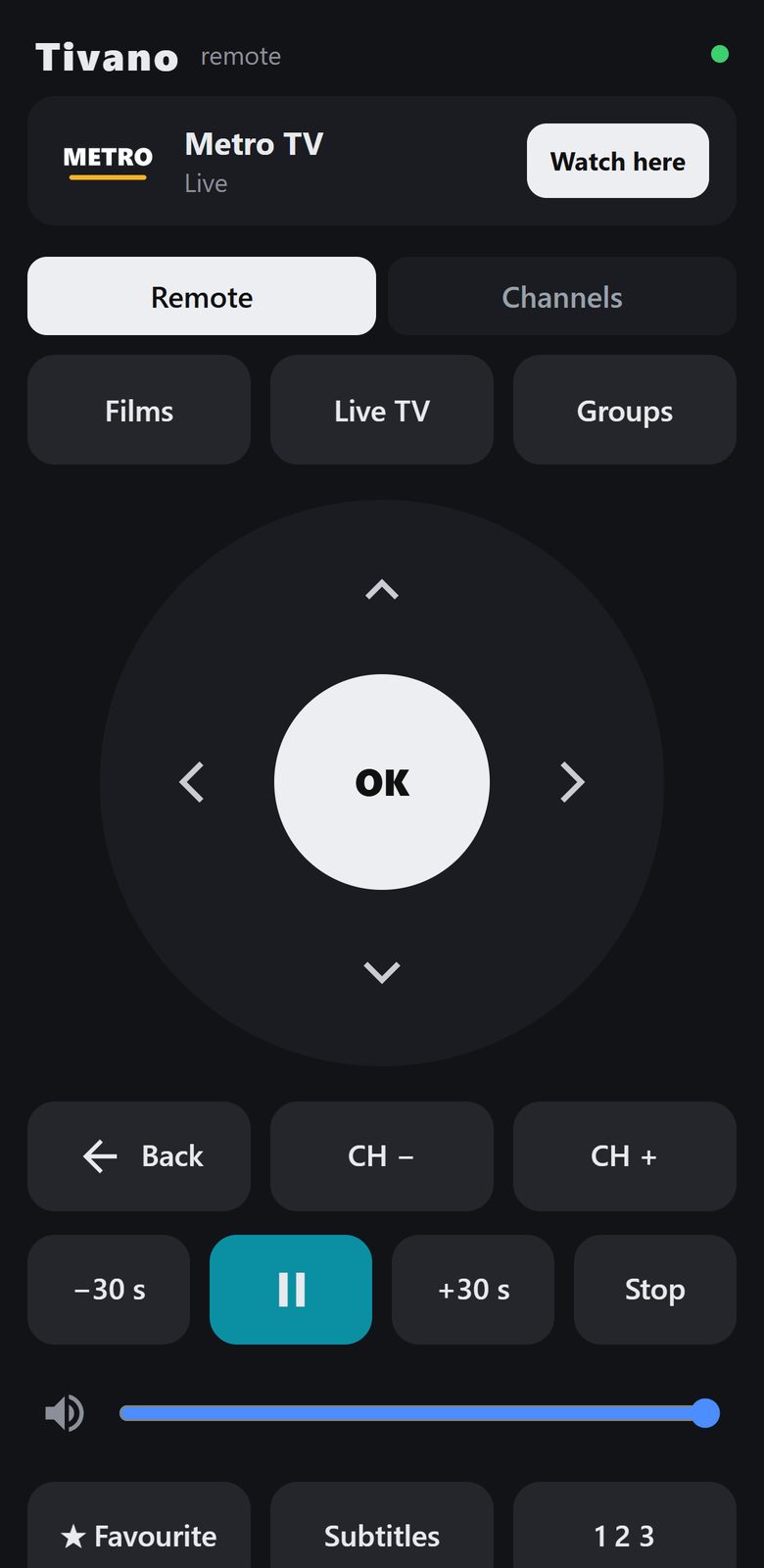
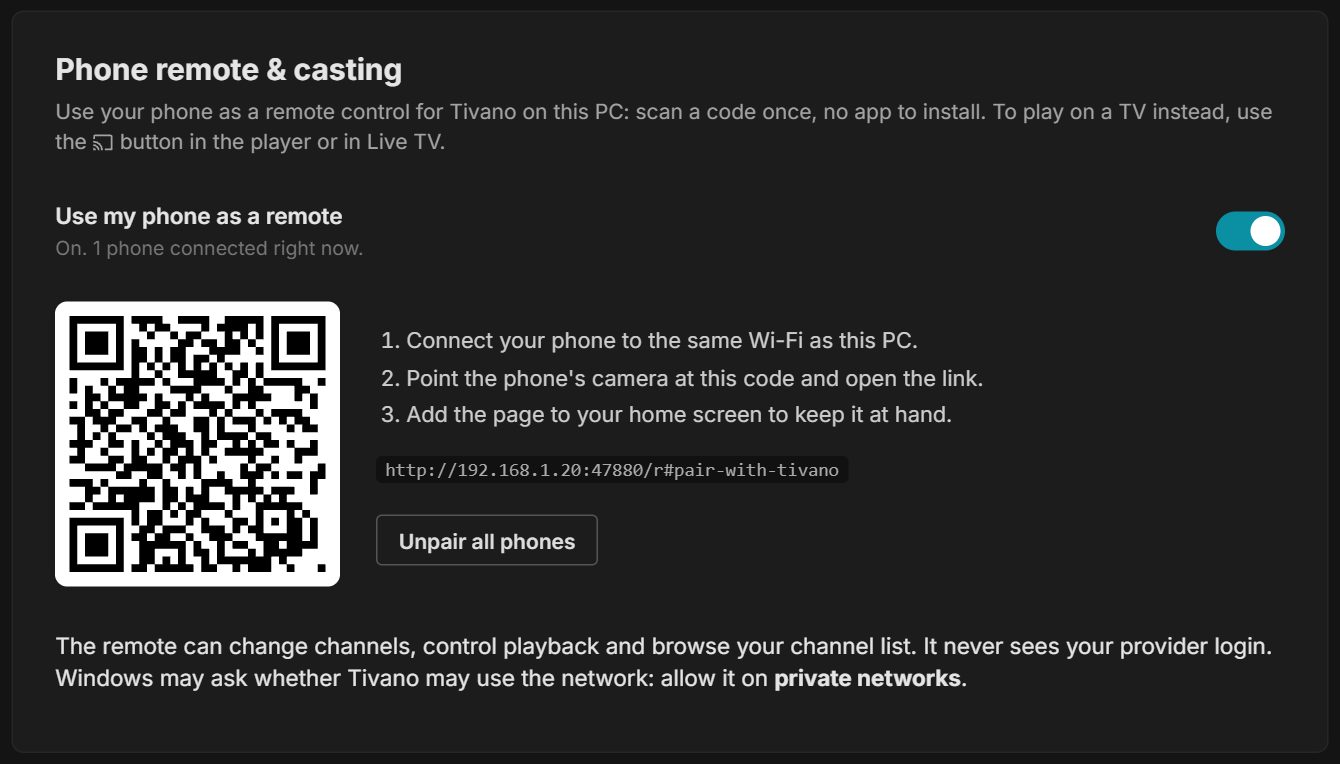
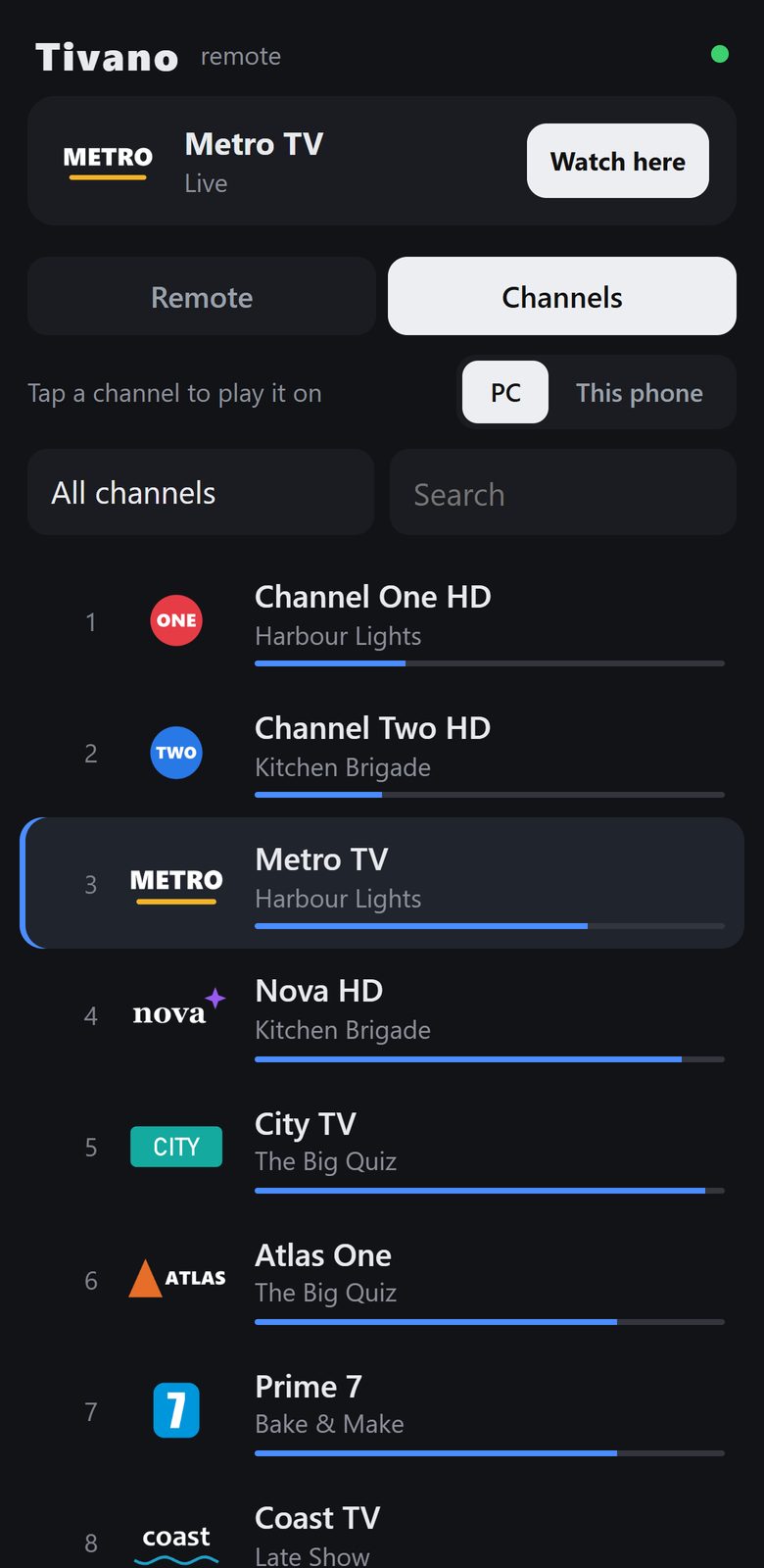
Scan the code on screen and your phone becomes the remote. Nothing to install. Zap, seek, change the volume, pick subtitles, or browse the channel list on the phone and tap to play.
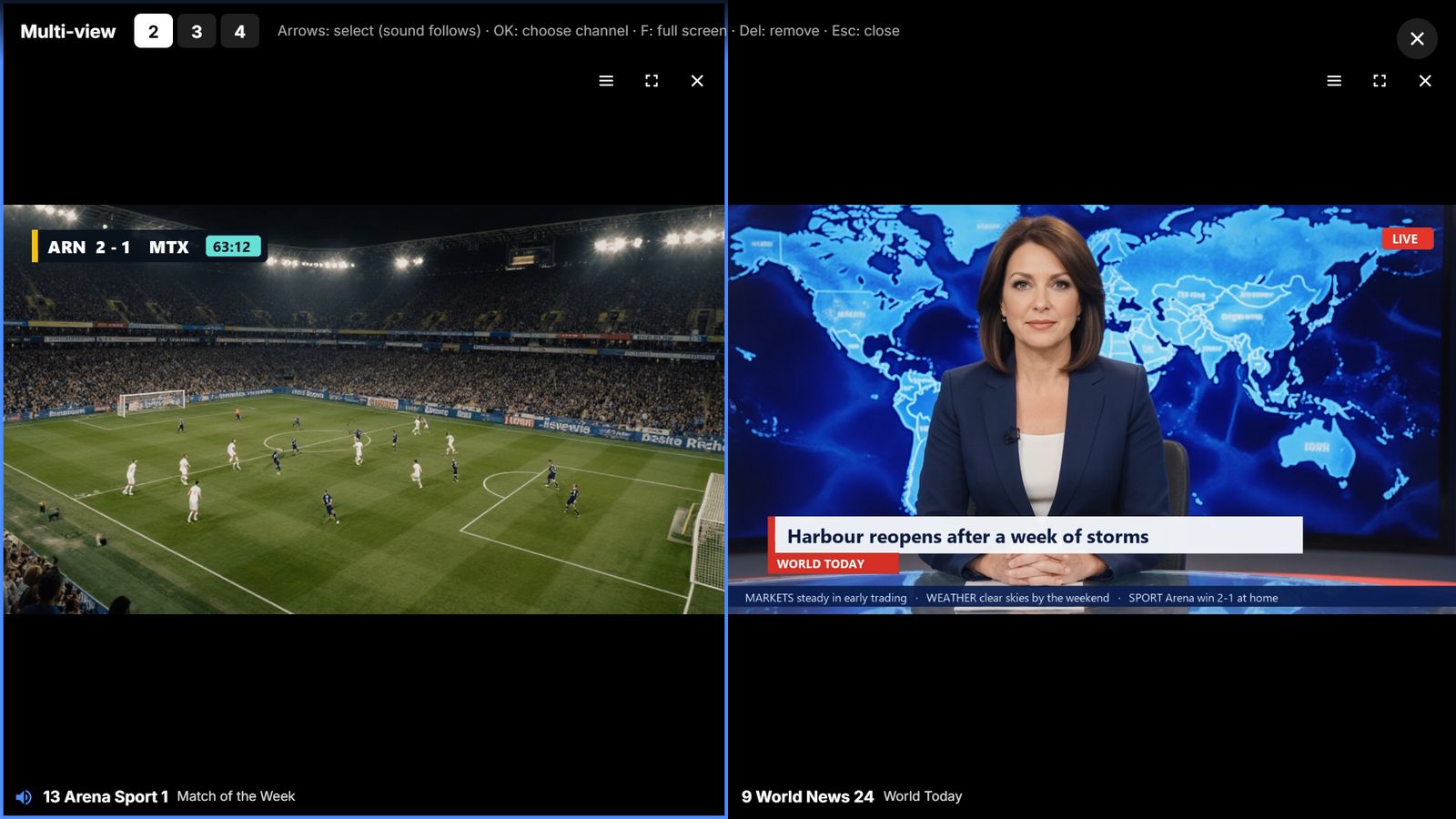
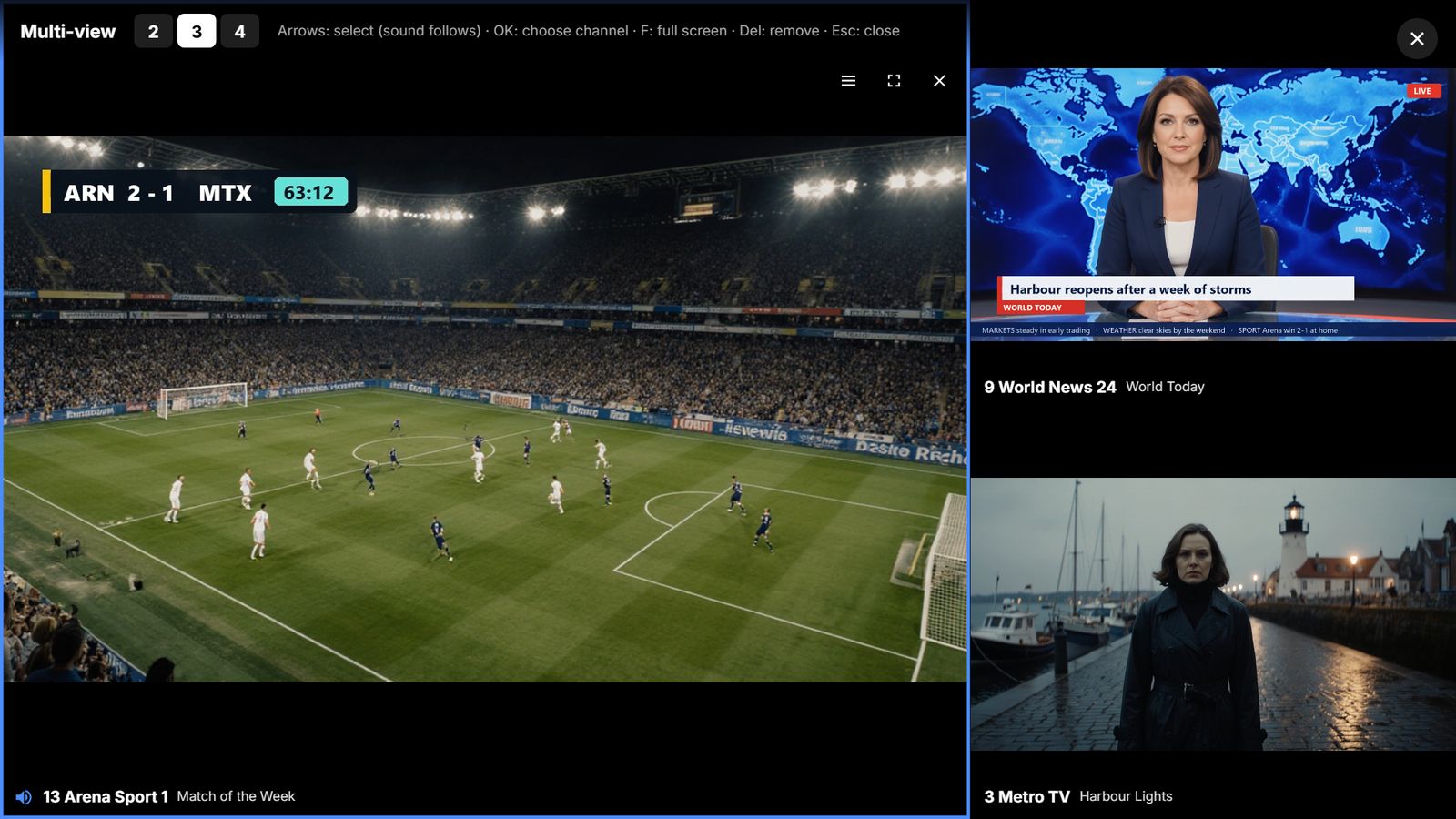
Watch two, three or four live channels at once. Sound follows the picture you pick; the rest play on in silence. Your subscription needs to allow that many connections.
Tivano uses the subtitles inside the video first and can find them online when there are none. If they run early or late, the Windows app listens to the film and offers to slide them into place.
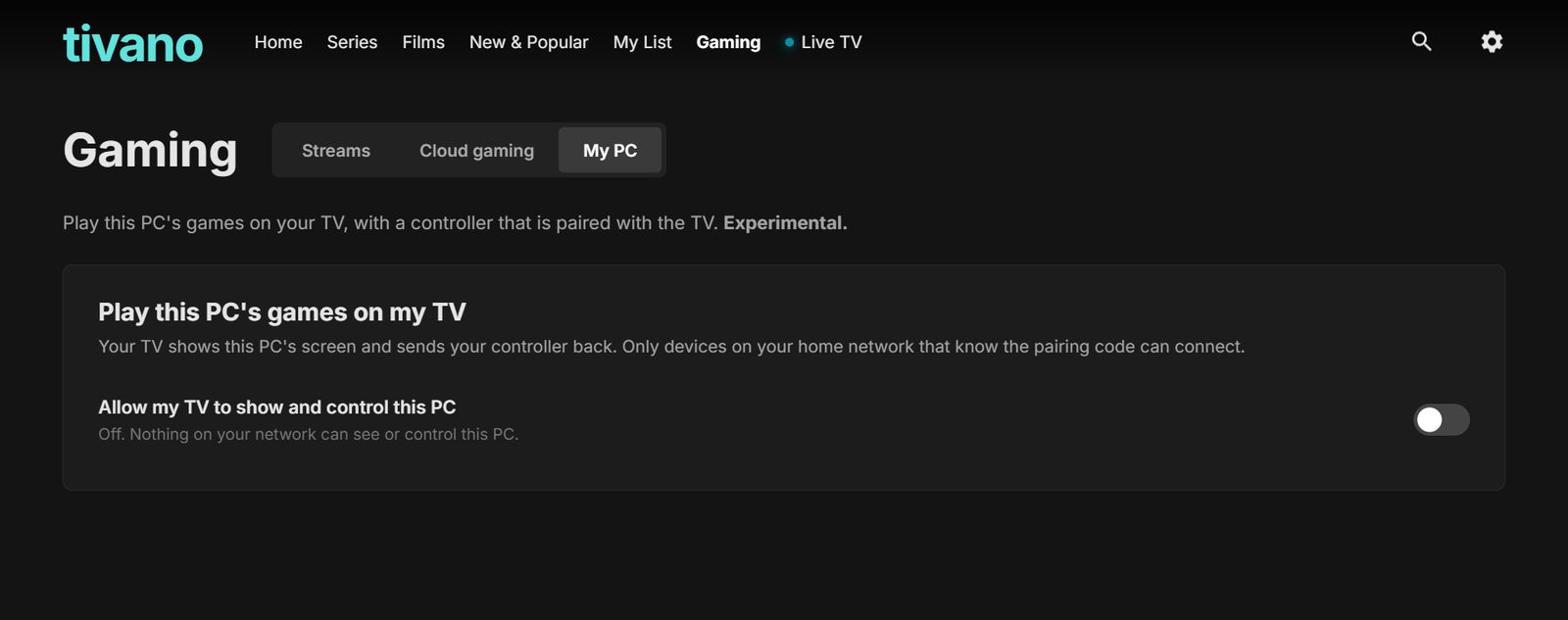
A Gaming section sits next to Films and Live TV. It's young, and it's there for everyone to try.
Follow live channels on Twitch and YouTube with your own account.
Jump from the menu straight into the cloud gaming service you subscribe to.
Stream a game from your own PC to the television across your home network.
Devices
Every screen works with arrow keys and OK, a mouse, or a thumb. Install Tivano from the store your device already has.
Download TivanoPublic beta
Tivano is in public beta: every feature is open, there is nothing to pay yet, and you'll see a few ads in the menus. After launch it becomes a paid app with a 7-day trial and a one-time price.